Does a Fitbit Track Calories Burned?
If you're using a Fitbit to track your fitness progress, you've probably wondered: does a Fitbit track calories burned accurately? Well, the device uses a combination of heart rate data, daily movements, and personal details like age, weight, and height to estimate how many calories you burn each day. But how reliable are these calorie counts? We'll break down how Fitbit tracks your calorie burn, how accurate these estimates are, and how you can make the most of the feature.
How Fitbit Calculates Calories Burned
Your Age, Weight, Height, and Sex Shape the Baseline
When you set up your Fitbit, you provide personal details like your age, weight, height, and sex. These basics help the device create a starting point to estimate your calorie burn, particularly at rest. Here's how these factors come into play:
- Age: As you age, your metabolism tends to slow down, meaning you burn fewer calories at rest.
- Weight: Heavier people burn more calories naturally because their bodies require more energy to function.
- Height: Taller individuals typically have more muscle mass, which can lead to a higher metabolism.
- Sex: Men usually burn more calories at rest due to having more muscle mass compared to women.
This data is crucial for setting a baseline for how many calories your body needs each day, even without any activity.
Fitbit Uses Movement Data Throughout the Day
Your Fitbit doesn't just count your steps—it tracks every bit of movement throughout the day, whether you're walking, running, or simply standing. The device uses sensors to monitor your activity levels, and based on that data, it calculates the calories burned during those activities.
- Steps: More steps equals more calories burned. It's simple math—if you move more, you burn more.
- Intensity: Whether you're jogging or taking a leisurely stroll, the intensity of your activity plays a big role. Fitbit detects when you're pushing harder and adjusts calorie estimates accordingly.
Movement tracking allows Fitbit to accurately estimate how many calories you burn through your daily activities.
Heart Rate Helps Improve Workout Estimates
For workouts, Fitbit uses heart rate data to improve its calorie tracking accuracy. When you're exercising, your heart rate spikes, and this tells Fitbit how hard you're working.
- Higher Heart Rate = More Calories: The harder your heart works, the more calories you're likely burning.
- Intensity of Exercise: Activities like running or cycling, which get your heart pumping faster, will burn more calories than lighter activities like walking or yoga.
With heart rate data, Fitbit can provide a much more accurate estimate of calories burned, especially during intense workouts.
How Accurate Fitbit Calorie Burn Is
Resting Calorie Estimates Are Usually More Stable
When it comes to resting calories—those calories you burn while doing nothing—Fitbit's estimates tend to be pretty reliable. Since these numbers are based on your basic personal details, they don't change much unless you drastically alter your lifestyle (e.g., weight loss or gain).
- Stable Estimates: Once you set up your profile, the estimate remains consistent unless something significant changes.
- Minor Variations: While the numbers don't fluctuate much, you might see slight changes due to other factors like sleep or hydration.
Exercise Calories Can Vary by Workout Type
When it comes to exercise calories, things get a little trickier. Fitbit's accuracy can depend on what type of workout you're doing.
- Running vs. Walking: Running burns more calories than walking, and Fitbit adjusts for this based on your heart rate and movement.
- Strength Training: Weight lifting doesn't always raise your heart rate as much as cardio does, so calorie estimates may not be as precise for these workouts.
It's also important to note that certain activities, like swimming or cycling, may not be as accurately tracked if you're using a Fitbit without the proper sensors.
Loose Fit and Incorrect Profile Details Reduce Accuracy
For the most accurate calorie estimates, make sure your Fitbit is snug on your wrist and that your personal profile is up to date.
- Loose Fit: A loose Fitbit won't track your heart rate or movements as accurately, which can lead to inaccurate calorie estimates.
- Incorrect Profile Information: If your weight, height, or other details are wrong, your calorie estimates won't be accurate either.
Make sure to wear your device properly and keep your profile information current for the best results.
How to Make Fitbit Calorie Tracking More Accurate
Keep Your Personal Details Up to Date
To improve the accuracy of your calorie estimates, make sure to update your personal information regularly. If you lose weight, gain muscle, or change your activity level, adjust your profile in the Fitbit app.
- Update Your Weight: Regularly update your weight to keep calorie burn estimates accurate.
- Adjust for Activity Changes: If your workout routine changes, reflect that in your Fitbit settings.
Wear the Device Correctly on Your Wrist
How you wear your Fitbit is crucial for accurate readings.
- Proper Fit: Your Fitbit should be snug but comfortable on your wrist. If it's too loose, it may not track heart rate or steps accurately.
- Positioning: Fitbit should be worn on your non-dominant wrist, and the device should be positioned so the sensors are aligned properly.
The right fit ensures the sensors work well, providing you with more reliable calorie estimates.
Turn on Heart Rate Tracking for Better Estimates
If your Fitbit model includes heart rate tracking, turn it on to get more accurate calorie estimates. This will give you better insight into how many calories you're burning, especially during exercise.
- Continuous Heart Rate Tracking: Make sure your Fitbit is set to track your heart rate continuously for the most accurate results.
- Heart Rate Zones: Pay attention to how long you spend in different heart rate zones. Fitbit can break down the data into categories like fat burn and cardio, showing you exactly how hard you're working.
Log Workouts and Body Changes Regularly
For the most accurate calorie estimates, log your workouts and body changes regularly in the Fitbit app. This will help the app refine its calculations over time.
- Custom Workouts: If you're doing a workout that isn't automatically detected, log it manually to get an accurate calorie count.
- Track Weight Changes: If your weight fluctuates, make sure to log those changes so Fitbit can adjust your estimates accordingly.
Where to See Calories Burned in Fitbit
Check Daily Calorie Burn in the Fitbit App
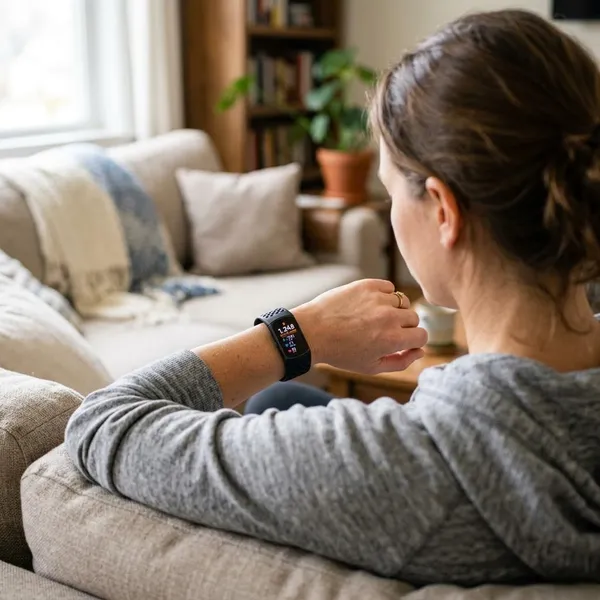
Your Fitbit app is your go-to place for tracking daily calorie burn. It shows both resting and active calories, so you can see exactly how much you're burning each day.
- Home Dashboard: Your total calorie burn is right on the home screen, giving you a quick overview.
- Goal Tracking: You can set a daily calorie burn goal and see how close you are to reaching it.
Compare Active Calories and Total Calories
Fitbit breaks down your calories into two categories: active and total. This distinction lets you see how much of your calorie burn comes from movement versus your baseline.
- Active Calories: Calories burned through activities like walking, running, or working out.
- Total Calories: The total calories burned, including both active and resting calories.
This breakdown helps you understand where most of your calorie burn comes from.
Review Workout Calories in Exercise Summaries
After a workout, your Fitbit provides an exercise summary, including the calories burned during that session. This is especially useful if you've had a particularly intense workout.
- Workout Breakdown: Fitbit gives a detailed summary of how many calories you burned during specific activities, which can help you gauge your workout's effectiveness.
- Heart Rate Insights: Fitbit also shows your heart rate data, so you can see how your intensity affected your calorie burn.
When Fitbit Calorie Data is Useful
Tracking Daily Activity and Workout Effort
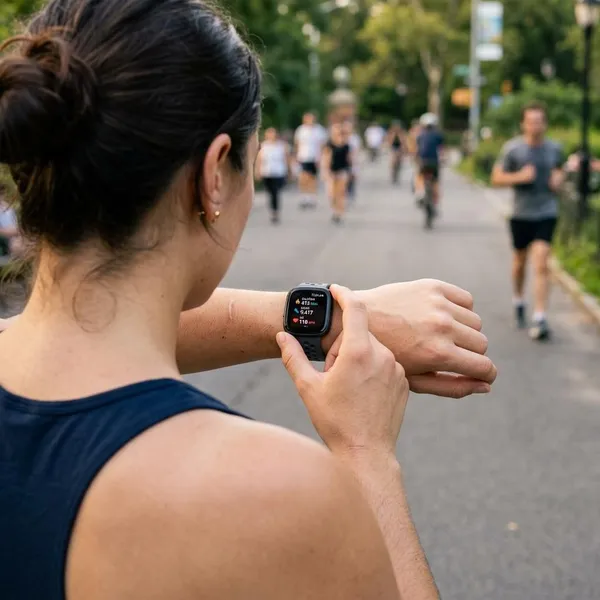
Fitbit's calorie tracking can help you see how much effort you're putting into your daily activities and workouts. By tracking your calorie burn, you can ensure that you're staying on track with your fitness goals.
- Motivation: Seeing your calorie burn can encourage you to stay active or push yourself harder during workouts.
- Consistency: Regular tracking helps you maintain consistency in your routine, which is key to reaching your goals.
Setting Weight Loss or Maintenance Goals
If you're working on losing or maintaining weight, Fitbit's calorie tracking is a great tool. It helps you understand how many calories you're burning and gives you insights into how you can tweak your diet or exercise routine.
- Calorie Deficit: To lose weight, you need to burn more calories than you consume. Fitbit helps you track that balance.
- Maintenance: If you're maintaining your weight, Fitbit helps you see how much energy you're burning to keep things steady.
Spotting Patterns in Movement Over Time
With Fitbit, you can track your calorie burn over time and spot trends in your activity. This can help you adjust your fitness routine and make improvements.
- Identifying Trends: See which days you're most active and which workouts are helping you burn the most calories.
- Making Adjustments: If you notice your calorie burn dipping, you can adjust your activity levels accordingly.
Conclusion
Fitbit offers a convenient and fairly accurate way to track calories burned by combining personal details, movement data, and heart rate. While its calorie estimates are generally reliable, you can boost their accuracy by wearing your device correctly, keeping your profile up to date, and enabling heart rate tracking. With this data at your fingertips, you can make smarter decisions about your fitness and weight loss goals, helping you stay on track toward a healthier you.