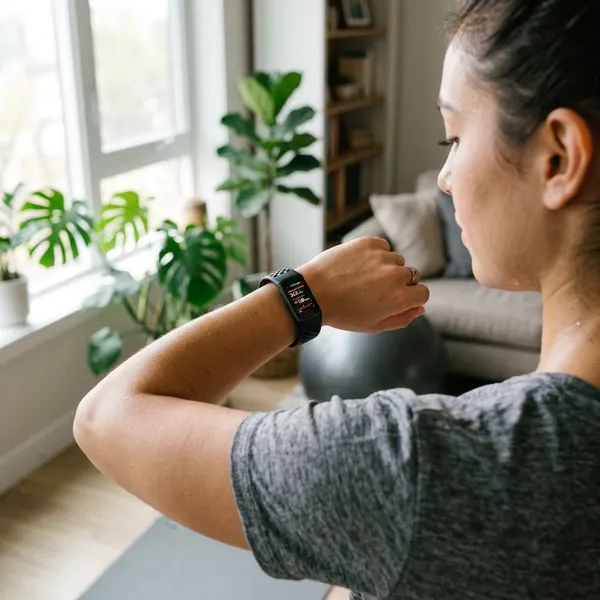
Can You Manually Add Steps on Fitbit?
You cannot manually type a step number into Fitbit and add it to your daily step total. The practical workaround is to log the missed walk, run, or workout as an activity, which can improve your exercise history and sometimes calories or active minutes, but it usually will not recreate the exact steps your tracker missed.
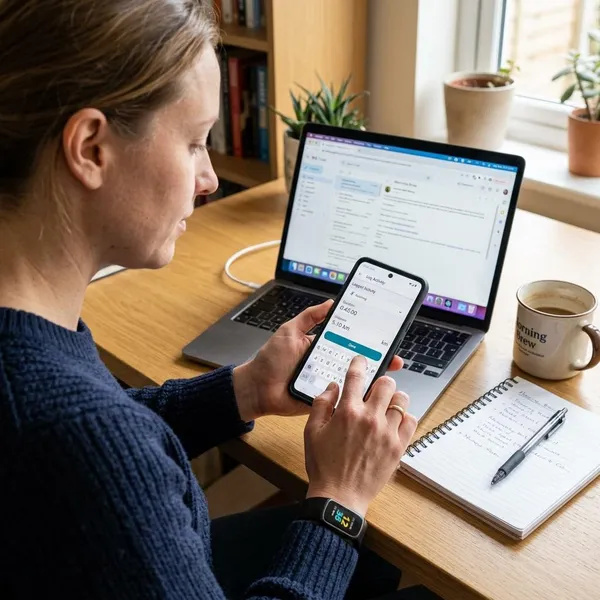
How to Log Missed Activity on Fitbit
If you forgot to start a workout, your battery died, or you left your Fitbit on the charger during a walk, manual activity logging is the closest fix. Use it when you want your activity record to show what you did, not when you need an exact step-count correction.
Before adding anything, check whether Fitbit already recorded part of the workout. Logging the same time period twice can make your history confusing, especially if the app already detected the activity automatically.
Open the exercise log
Open the Fitbit app and go to the area where you view or add exercise. The exact path can change with app updates, but you are looking for an option such as adding, logging, or manually entering exercise.
- Open the Fitbit app.
- Go to your exercise or activity section.
- Choose the option to add or log exercise manually.
Choose the activity
Pick the activity that best matches what you actually did. A lunch walk should usually be logged as walking, while an indoor workout may fit treadmill, elliptical, or another available option.
This choice matters because Fitbit uses the activity type to estimate effort. Do not choose a harder activity just to make the numbers look better; it can make your calorie and workout history less useful later.
Enter the time and duration
Add the date, start time, and duration as accurately as you can. If you walked from 6:15 to 6:45, use that window rather than guessing a rounded hour.
- Forgot to wear Fitbit: log the full activity time.
- Battery died halfway: log only the missed portion if the first part was already tracked.
- App already detected a walk: avoid adding a duplicate entry for the same minutes.
Save the activity
Review the activity type, date, and time before saving. Once saved, the workout should appear in your exercise history, though you may need to sync the app before all related stats update.
Do not expect the daily step number to jump by the exact amount you think you missed. The saved log is mainly a record of the workout, not a direct step edit.
What Happens When You Log Activity Manually
Manual logs are useful, but they affect Fitbit data differently from live tracking. Think of them as a way to fill a gap in your activity record rather than a way to rewrite your step total.
Exercise history is updated
The missed workout appears in your exercise history, which is helpful if you review weekly routines or want a complete record of workouts. For someone tracking consistency, this may matter more than recovering one exact daily step number.
Calories may be updated
Fitbit may estimate calories for the manually logged activity based on the workout type, duration, and your profile details. Without live heart-rate and motion data, treat this as a reasonable estimate rather than a precise measurement.
Active minutes may be updated
Active minutes or active zone minutes may change if the activity is intense enough for Fitbit to count it. A brisk walk is more likely to affect this than a slow stroll, especially when Fitbit has to estimate from a manual entry.
Step totals are not restored exactly
This is the part that causes the most frustration: Fitbit generally does not let you enter "3,000 missed steps" and add them directly to the day. A manually logged walk may improve other stats, but the step total usually stays separate from that manual activity record.
If you are in a step challenge, this distinction matters. Manual logging can make your personal history more complete, but it may not fix the number used for badges, goals, or competitions.
Why Fitbit May Miss Your Steps
Fitbit counts steps by reading movement patterns, so missed steps are often caused by how the tracker is worn or how your arm moves. The device may not be broken; it may simply be getting weak signals from your wrist.
Poor wrist placement
A tracker that is loose, sliding around, or sitting too close to your hand can miss movement. Aim for a secure fit slightly above the wrist bone, snug enough to stay stable but not so tight that it feels uncomfortable.
Sync issues
Sometimes the steps are on the device but not yet visible in the app. If the number looks stuck after a walk, sync first before assuming the steps were missed.
Bluetooth being off, the phone being out of range, or background app limits can all delay updates. This is the quickest problem to rule out.
Limited arm movement
Wrist-based tracking struggles when your legs move but your wrist does not. That can happen while pushing a stroller, holding grocery bags, walking with hands in pockets, using a treadmill desk, or carrying a suitcase through an airport.
For these situations, starting a workout mode before you begin is usually smarter than trying to repair the data afterward.
Treadmill walking
Treadmills can undercount steps when you hold the rails or walk with a shorter indoor stride than usual. If your treadmill walks often look low, try walking without gripping the handles when it is safe and compare the result over a short session.
Incorrect wrist settings
Fitbit asks whether the device is on your dominant or non-dominant wrist because those hands move differently during normal daily tasks. If the setting does not match how you actually wear it, everyday hand motion and walking motion can be interpreted less accurately.
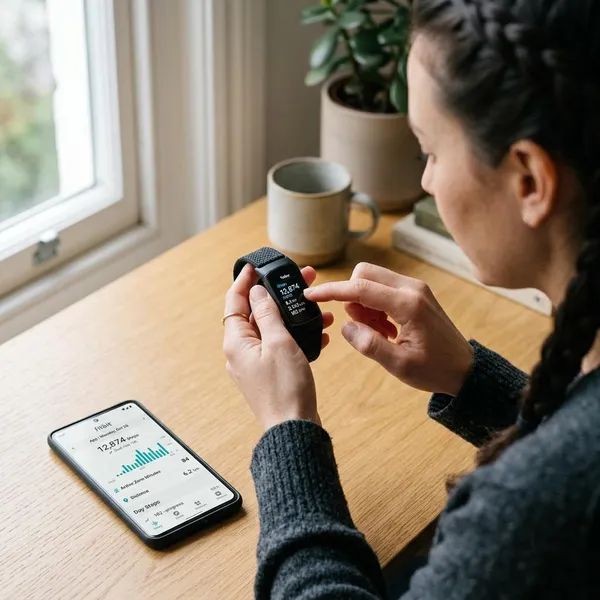
How to Fix Missing Steps on Fitbit
Start with the fixes that can recover or reveal data before changing deeper settings. The best order is: sync first, check how you wear it, then review settings and software.
Sync your Fitbit
Open the Fitbit app, keep the tracker nearby, and run a manual sync. If the app was simply behind, your step count may update without any manual activity log.
- Turn Bluetooth on.
- Keep the device close to your phone.
- Close and reopen the app if sync fails.
- Try again after a minute if the dashboard looks frozen.
Check wrist settings
Go into your device settings in the Fitbit app and confirm the correct wrist setting. This is especially worth checking if you switched wrists, changed bands, or started wearing the tracker differently during workouts.
Review stride length
If distance and treadmill stats seem off, review your stride length settings. A practical check is to walk a known distance at your normal pace, count your steps, and compare that with what Fitbit estimates.
You do not need a perfect lab measurement. The goal is to catch obvious mismatch, such as indoor walks always looking much shorter than they should.
Update Fitbit
Install available updates for both the Fitbit app and your device firmware. Updates cannot fix every missed step, but they can solve sync issues, app display problems, and compatibility glitches after phone software changes.
Restart your device
If syncing and settings look right, restart the Fitbit. The restart method depends on the model, so use the device menu or Fitbit's model-specific instructions, then sync again and test it with a short walk.
If the same undercounting returns immediately, focus more on fit, wrist movement, and treadmill habits than on repeated restarts.
How to Improve Fitbit Step Accuracy
The best way to avoid missing steps is to make your normal tracking setup more reliable. Manual logging is a backup; better wear habits and workout tracking prevent more problems in the first place.
Wear Fitbit correctly
Keep the tracker stable on your wrist, especially during exercise. A loose everyday fit may feel comfortable at your desk, but it can shift too much during a fast walk or run.
Choose the right wrist setting
Use the wrist setting that matches your real habit, not the wrist you meant to use when you first set up the device. If you wear it on your dominant wrist during the day but move it for sleep or workouts, update the setting when your regular pattern changes.
Sync regularly
Sync at least once a day if you care about current totals. Syncing after charging or after a workout is a good habit because those are the moments when people often notice "missing" steps that are really just delayed app data.
Track workouts when needed
Start workout mode for activities that Fitbit may not detect cleanly, such as treadmill walking, stroller walks, interval sessions, or any walk where your arm movement is limited. This gives Fitbit a clearer activity window and usually produces a more useful record.
For casual daily steps around the house, automatic tracking is usually enough. For a workout you care about, especially indoors, start tracking before you begin.
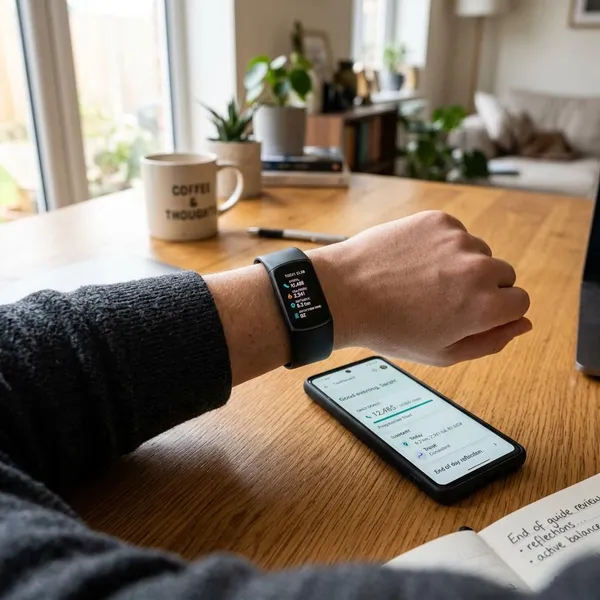
Conclusion
Fitbit can help you record missed activity, but it is not designed for manually editing step totals. If the missing steps matter because of a challenge or daily goal, check sync and tracking habits first; if the activity is already gone, log the workout for a more complete record and accept that the exact step number may not come back.