Apple Watch for Weight Lifting
Using an Apple Watch for weight lifting can be a game-changer. It tracks your heart rate, calorie burn, and workout time, offering useful insights during your strength training. However, it doesn't track everything a serious lifter might want, like reps or sets. In this article, we'll go over how to get the most out of your Apple Watch for weight lifting, including the best modes, what it tracks, its limitations, and some third-party apps that can help you level up your workout routine.
Best Apple Watch Workout for Weight Lifting
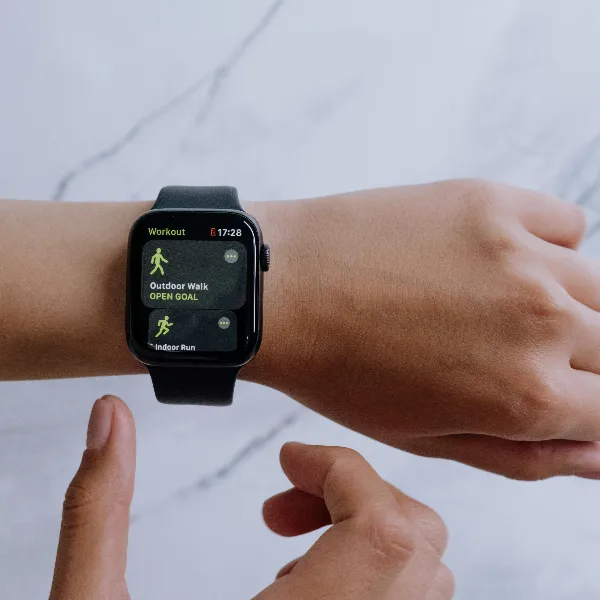
The Apple Watch has a few workout modes, but choosing the right one for weight lifting is key to getting accurate results. Here's a breakdown of the best options:
Traditional Strength Training
For classic gym-goers who stick to basic weight lifting exercises, the "Strength Training" mode is your best bet. This mode will track your heart rate and calories burned, giving you a solid picture of your workout's intensity. But, unfortunately, it doesn't log your reps or sets, so you'll need to write that down separately.
Functional Strength Training
If you do more dynamic movements like kettlebell swings or functional movements that mix strength and cardio, the "Functional Strength Training" mode is a better fit. It tracks your heart rate and calories, though it also lacks reps and set tracking, so you'll still need a workaround for detailed progress.
Custom Workouts for Lifting Sessions
For those with unique routines, the custom workout option is a great choice. You can tweak settings to track calories, heart rate, and workout duration for specific lifting sessions. While it won't track sets or reps, customizing your workout allows for more tailored tracking.
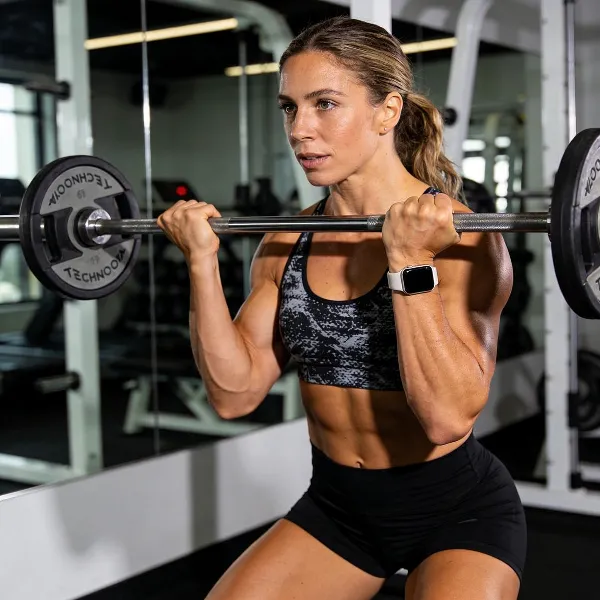
What Apple Watch Tracks During Weight Lifting
While the Apple Watch doesn't track everything a weight lifter needs, it does a pretty good job tracking a few key metrics:
Heart Rate
Your heart rate is one of the most important things to track during a weight lifting session. The Apple Watch monitors it throughout your workout, helping you stay in the right zone for fat burning, cardio, or strength.
Calories and Workout Time
In addition to heart rate, the Apple Watch estimates how many calories you've burned. It also tracks the time spent on each workout, which helps you measure the duration of your lifting sessions and stay on target.
Workout History in the Fitness App
All your workouts are saved in the Fitness app, so you can easily look back at previous sessions. This allows you to track your progress over time and adjust your training to hit your goals.
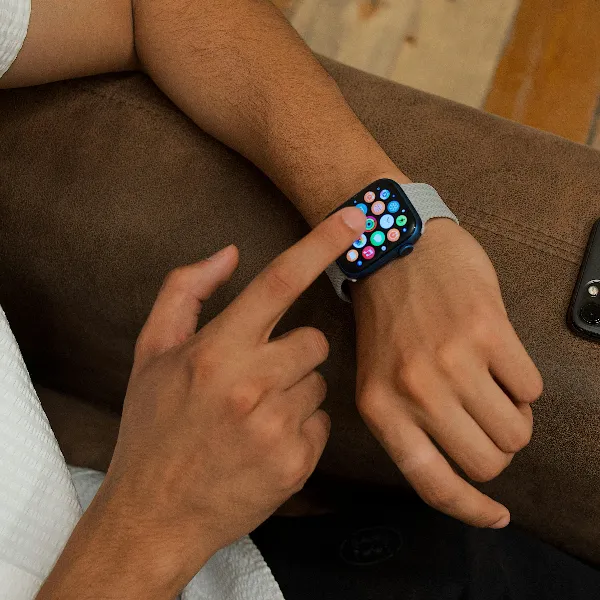
How to Use Apple Watch for Weight Lifting
Using your Apple Watch effectively during weight lifting requires a little planning. Here's a step-by-step guide:
Pick the Right Workout Mode
First things first, make sure you've selected the right workout mode for your session. Whether it's the Strength Training or Functional Strength Training mode, the right choice ensures you get the most accurate heart rate and calorie tracking.
Start the Workout Before Your First Set
To get the most out of the Apple Watch, start tracking your workout before you begin your first set. This ensures that your heart rate, calories burned, and workout time are logged from the start, so you don't miss any important data.
Check Heart Rate and Recovery After Training
Once your workout is over, take a look at your heart rate recovery. The Apple Watch gives you insight into how quickly your heart rate drops after you finish lifting, which is a good indicator of your fitness level and how well your body is recovering.
Where Apple Watch Falls Short for Weight Lifting
While the Apple Watch is handy for tracking some aspects of your workout, it has a few shortcomings when it comes to weight lifting.
Reps and Sets
One major limitation is that the Apple Watch doesn't automatically track your reps and sets. As a lifter, this is essential info for tracking progress, so you'll need to log this manually after your workout.
Exercise Names
Another downside is that the Apple Watch doesn't always recognize specific exercises. It's good at identifying basic exercises like squats or bench presses, but when it comes to more specialized lifts, you may find that the watch misidentifies or doesn't log them at all.
Lifting-Specific Workout Logs
If you're looking for detailed tracking of the weights used, sets completed, or the number of reps performed, the Apple Watch falls short. It doesn't offer a full log that's tailored to strength training, so for serious tracking, you'll need to fill in the blanks.
Apps That Work Better for Serious Lifters
To overcome some of the limitations of the Apple Watch, third-party apps can enhance your lifting experience by offering more detailed tracking.
Rep and Set Logging
Apps like Strong and Gymaholic are excellent for serious lifters. They allow you to log your reps and sets directly from your Apple Watch, which means you don't have to manually jot them down. These apps also let you track the weight you lifted, providing more detailed insights into your progress.
Exercise Tracking
These third-party apps also offer better exercise recognition than the default Apple Watch workout modes. So if you're doing something like a deadlift or a clean and press, these apps will be much more accurate at logging your workout.
Better Workout History
For those who want a detailed workout log, apps like MyFitnessPal or Fitbod do a much better job. These apps not only sync with your Apple Watch but also give you a better breakdown of your sets, reps, and weights, making it easy to track long-term progress.
Apple Watch Weight Lifting Problems
Although the Apple Watch can be a useful tool for weight lifting, it has its issues. Here are some common problems that users experience:
Wrong Workout Mode
If you forget to choose the right workout mode, like Strength Training or Functional Strength, your Apple Watch may not track your lifting session properly. It might overestimate calories burned or fail to record your heart rate accurately, which can throw off your results.
Heart Rate Issues During Lifting
The heart rate sensor on the Apple Watch can sometimes have trouble during heavy lifting. If you're lifting intensely or moving between exercises quickly, the watch may not give you an accurate heart rate reading, which can affect the overall data.
Missing Strength Details
One of the biggest frustrations for lifters is that the Apple Watch doesn't log the details you need, like the weight you're lifting or the number of reps per set. For someone trying to track strength progress, this can be a dealbreaker.
Conclusion
The Apple Watch is a great tool for tracking general fitness and heart rate during weight lifting, but it's not perfect for tracking everything a serious lifter needs. If you're just looking for a basic overview of your workout—like calories burned and heart rate—it's a solid choice. But for more detailed tracking, especially for reps, sets, and weights, you'll want to look into third-party apps like Strong or Fitbod. These apps work well with the Apple Watch and offer the extra functionality that serious lifters need.