How Accurate Is Apple Watch on a Treadmill?
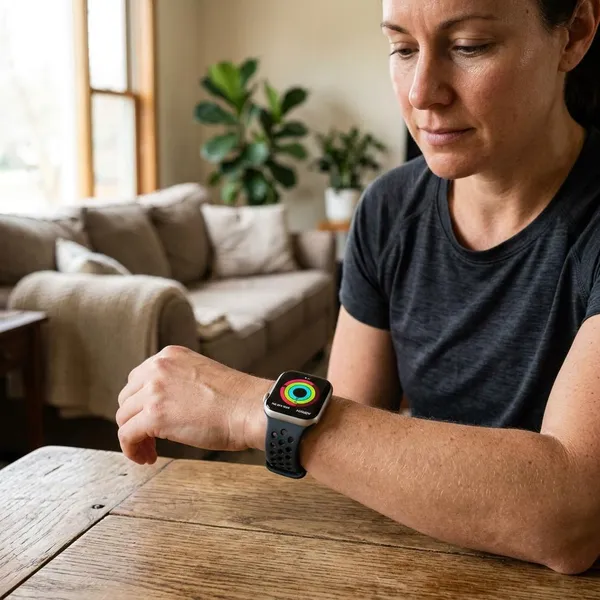
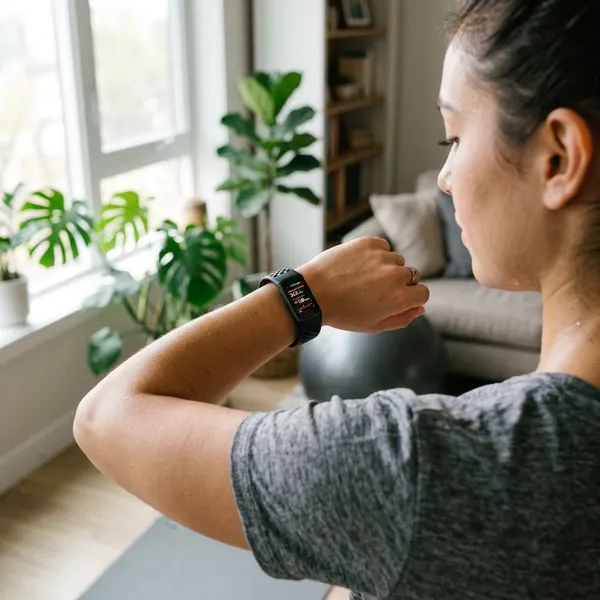
Apple Watch is usually accurate enough for tracking treadmill trends, but it is not the best tool for proving the exact treadmill distance. For better apple watch treadmill accuracy, first check three things: use the right indoor workout mode, let your arms move normally, and make sure the watch has recent calibration from outdoor walks or runs.

Why Apple Watch and Treadmill Numbers Don't Match
The mismatch usually happens because the two devices are not measuring the same thing. Your treadmill is tracking the belt; your Apple Watch is estimating your body movement from your wrist, stride pattern, heart rate, and saved health details.
Apple Watch estimates your stride
On a treadmill, Apple Watch cannot use GPS in the same useful way it can outdoors. It estimates distance by reading your wrist motion and matching that movement to what it has learned about your stride.
That is why two people can walk at the same treadmill speed and still see different Watch distances. A casual walker with short steps, a taller runner with a longer stride, and someone doing walk-run intervals all give the watch different motion patterns to interpret.
Treadmills measure belt movement
A treadmill usually calculates distance from how far the belt has moved. If the belt turns enough to equal one mile, the treadmill records one mile, even if your stride is uneven or you briefly hold the rails.
That does not make the treadmill perfect. Belt wear, poor maintenance, slippage, and older home machines can all affect the number. If the treadmill says 1.00 mile and the Watch says 0.96, it is not automatically a Watch failure.
Arm movement affects Watch data
Your wrist is one of the main signals Apple Watch uses indoors, so arm movement matters more than many people expect.
- Holding the rails: often makes distance and steps read low.
- Typing on the console: can interrupt the motion pattern.
- Carrying a bottle or phone: may reduce natural swing on one side.
- Power walking with exaggerated arms: can sometimes push distance high.
If you need the rails for balance, use them. Just treat that workout's Watch distance as less precise.
Calories use different inputs
Calorie numbers rarely match because the Watch and treadmill use different formulas. Apple Watch leans on heart rate, movement, workout type, and your Health profile. A treadmill may rely mostly on speed, incline, time, and a basic body-weight entry.
For someone using treadmill workouts as part of weight management, the Watch is often more useful for trends because it follows your body data over time. Still, it is an estimate, not a lab measurement.
What Affects Apple Watch Treadmill Accuracy
When the gap is large, do not start by changing everything at once. Check the biggest causes first: calibration, arm swing, fit, health details, and workout mode.

Poor calibration
Calibration is a major reason indoor distance can drift. Apple Watch learns your stride better when you complete outdoor walks or runs where GPS can help compare your movement with real distance.
This matters most if you mostly train indoors. A beginner who only uses a treadmill may see rougher estimates than someone who also walks or runs outside at normal training speeds.
Limited arm swing
Limited arm swing gives the Watch less movement data to work with. Incline walking is a common example: people often grip the handles as the incline rises, and the Watch may read the workout as shorter or slower than it felt.
Loose watch fit
A loose band can affect both motion tracking and heart-rate tracking. If the watch slides toward your hand or bounces during running, tighten it enough that the sensors stay in steady contact without feeling uncomfortable.
Outdated health data
Old Health app details can make calorie estimates less useful. Weight is the biggest one to keep current, but height, age, and sex also help Apple's calculations fit you better.
This is an easy fix if your workouts suddenly look different after a period of weight change, a new training routine, or a long break from exercise.
Wrong workout mode
The workout mode tells Apple Watch what kind of movement to expect. For treadmill sessions, the practical rule is simple:
- Mostly walking: choose Indoor Walk.
- Mostly running: choose Indoor Run.
- Walk-run intervals: choose the mode that matches the main effort.
Outdoor Run on a treadmill is a common mistake because the watch may expect GPS behavior that does not match an indoor session.
How to Improve Apple Watch Treadmill Accuracy
The best improvement comes from making your treadmill workouts easier for the Watch to interpret. Start with mode and calibration before worrying about small differences between devices.
Use Indoor Walk or Indoor Run
Use Indoor Walk for treadmill walking and Indoor Run for treadmill jogging or running. These modes are built for indoor movement where GPS distance is not the main source.
If you warm up with five minutes of walking before a longer run, Indoor Run is usually fine. If the whole session is a brisk walk at an incline, Indoor Walk is the cleaner choice.
Calibrate with outdoor workouts
Outdoor calibration gives the Watch better stride information for indoor workouts. A practical way to do it is:
- Go outside with your Apple Watch and iPhone.
- Choose Outdoor Walk or Outdoor Run.
- Move at a normal, steady pace for about 20 minutes.
- Repeat at a different pace if you both walk and run indoors.
Use an open area when possible. Tall buildings, heavy tree cover, or stop-and-go routes can make the calibration less helpful.
Update your health details
Open the Health app and check that your weight and other profile details are current. This is especially worth doing if calorie numbers are the main reason you compare treadmill and Watch data.
Wear the watch snugly
The watch should sit firmly above your wrist bone, not loose enough to spin or slide. A slightly tighter fit during exercise can improve heart-rate contact, then you can loosen it again afterward if you prefer.
Let your arms move naturally
Let your arms swing normally when it is safe. You do not need to exaggerate the movement; the goal is simply to avoid long stretches with your hands fixed on the rails or console.
For a high-incline session where holding on is necessary, accept that the treadmill may be the better distance reference for that workout. The Watch can still be useful for heart rate and time.
Common Apple Watch Treadmill Accuracy Problems
Most treadmill tracking issues fall into a few patterns. The fastest fix is to identify the direction of the error first, then match it to the likely cause.
Distance is too high
If the Watch distance is higher than the treadmill, it may be overestimating your stride or reading extra wrist motion as forward movement. This can happen after outdoor calibration at a faster pace than your usual treadmill pace.
A small gap is normal. If the Watch is consistently much higher across several workouts, recalibrate outdoors at the pace you actually use indoors.
Distance is too low
Distance often reads low when your arms are not moving much. Rail holding, incline walking, leaning on the console, or walking with very short steps can all reduce the wrist signal.
First check your form, then check the workout mode. If both are fine, add a few outdoor calibration sessions before judging the Watch too harshly.
Pace looks wrong
Pace looks wrong when the distance estimate is off. The treadmill pace comes from the belt speed; the Watch pace comes from estimated movement over time.
For interval runners, the treadmill is usually the better live pace reference because speed changes are controlled by the machine. The Watch is better for storing the workout, heart-rate pattern, and long-term training history.
Calories look unusual
Unusual calorie numbers usually come from sensor contact, heart-rate behavior, or old personal data. Tighten the band, check your Health profile, and compare several workouts before assuming one reading is broken.
Heat, stress, poor sleep, or fatigue can also raise heart rate at the same treadmill speed, so a higher calorie estimate is not always a device error.
Steps seem inaccurate
Apple Watch does count treadmill steps, but it is still estimating from motion rather than measuring your feet directly. Free arm swing usually gives reasonable step trends; fixed hands can undercount.
If daily step totals matter to you, keep your treadmill habits consistent. A slightly imperfect but consistent count is more useful than changing form every workout just to chase a number.

Conclusion
Apple Watch is a good treadmill companion when you treat it as a trend tracker, not a perfect distance referee. Trust the treadmill for belt speed during the session, use the Watch for heart rate and workout history, and fix the basics when the gap becomes large: correct mode, outdoor calibration, snug fit, updated health details, and natural arm movement.