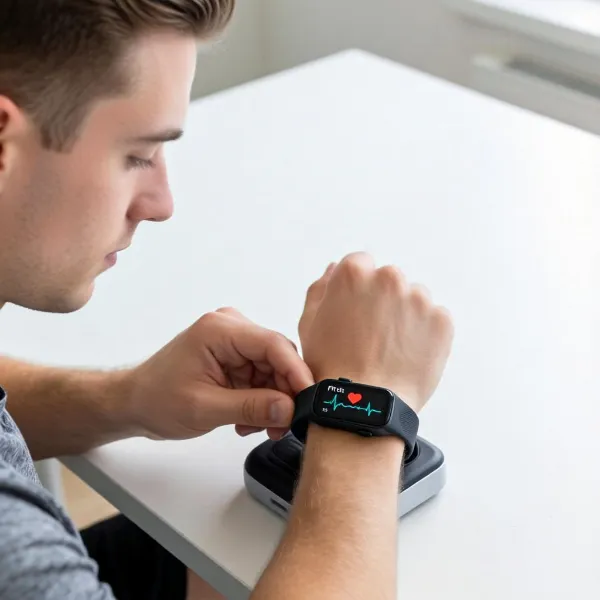
How Accurate Is Fitbit for Heart Rate Tracking
Fitbit has become a go-to choice for many when it comes to tracking fitness and heart rate. Whether you're using it for daily health monitoring or workouts, it's important to know how accurate Fitbit's heart rate tracking really is. While Fitbit does a solid job, there are certain factors that can affect its performance.
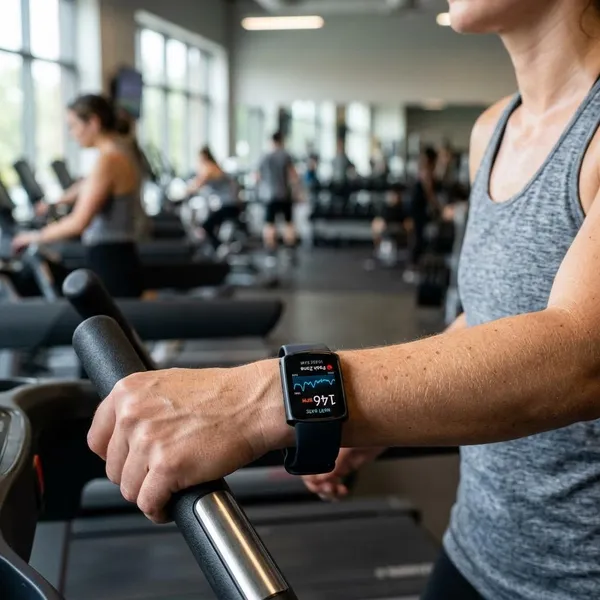
How Accurate Fitbit Heart Rate Tracking Really Is
Fitbit uses optical sensors to track heart rate, and overall, it provides reliable data. However, its accuracy can vary based on a few factors, such as your device fit, the exercise you're doing, and your personal characteristics. Let's break it down further.
More Reliable at Rest and During Steady Exercise
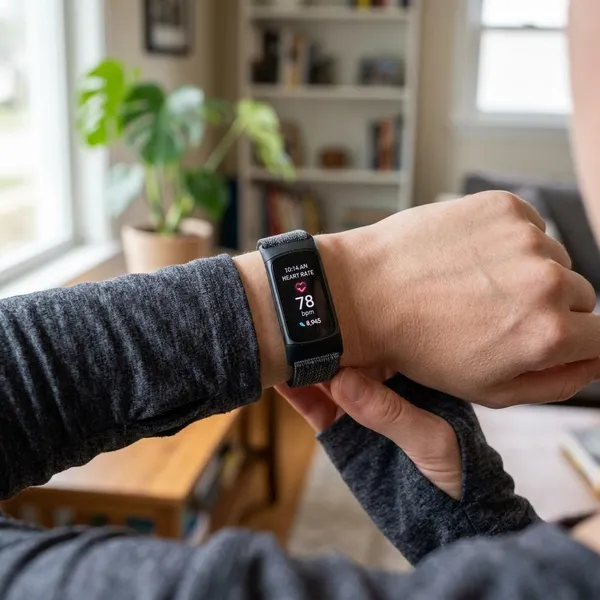
Fitbit heart rate tracking works best when you're at rest or doing steady exercise like walking or jogging. During these activities, the sensors can easily capture your heart rate without interference from sudden movement. Most users will find these readings fairly accurate and useful for monitoring their overall heart health.
Less Precise During Intense Workouts
For more intense workouts like sprints, HIIT, or weightlifting, Fitbit's heart rate accuracy can drop. The quick fluctuations in your heart rate and the movements involved in these exercises can confuse the sensors, making them less reliable. If your Fitbit isn't snug enough on your wrist or you're moving your arms rapidly, the heart rate reading may be off.
How Fitbit Measures Heart Rate
Fitbit’s heart rate tracking works using optical sensors that shine light through your skin to measure blood flow. This method, known as photoplethysmography (PPG), can help track your pulse and estimate your heart rate. But as with any wrist-based tracker, it has its limitations.
Optical Sensors Read Blood Flow at the Wrist
Fitbit uses LED lights to shine light into your skin. Photodetectors then measure the light reflected back, helping estimate your heart rate by tracking changes in blood flow. This process is pretty effective at rest, giving you a fairly accurate reading of your heart rate.
Movement and Personal Data Shape the Estimate
Fitbit doesn't just rely on wrist-based sensors; it also takes into account your personal details (like age and weight) and activity data (such as steps taken or intensity of exercise). This helps it refine its heart rate estimate, especially during moderate activities, making it a bit more accurate.
Wrist-Based Tracking Has Natural Limits
While wrist-based heart rate monitoring is convenient, it isn't perfect. The accuracy of the reading can be impacted by factors like the fit of your device, how much you're moving, or even environmental conditions. In certain cases, like with darker skin tones or tattoos, the sensors may struggle to provide an accurate reading.
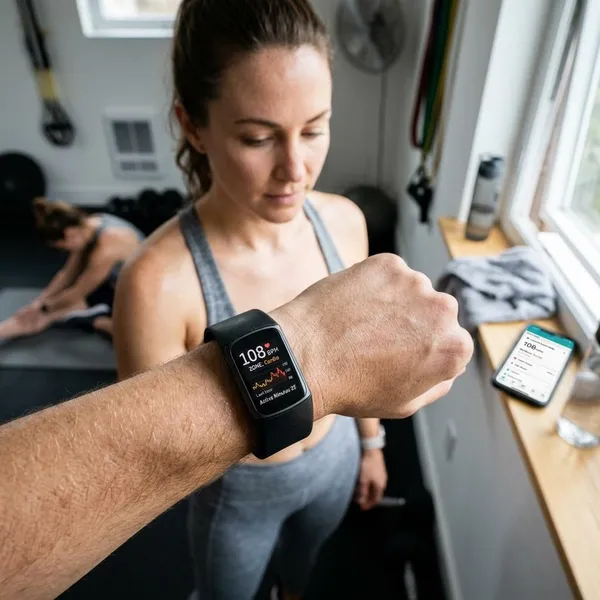
What Affects Fitbit Heart Rate Accuracy
There are several factors that can impact the accuracy of Fitbit heart rate readings. Some you can control, and others depend on external conditions.
Wrist Fit and Device Position
How well the Fitbit fits on your wrist is key to getting an accurate heart rate reading. If it's too loose, the sensors can't make good contact with your skin. If it's too tight, it could restrict blood flow. The ideal fit is snug but comfortable, allowing the sensors to work without feeling too tight.
Exercise Type and Arm Movement
The type of exercise you're doing makes a big difference in heart rate accuracy. For example, during running or cycling, where arm movement is more controlled, Fitbit has an easier time tracking heart rate. But in high-intensity workouts, like weightlifting or sprints, your wrist might move too much, causing the sensors to struggle.
Sweat, Skin Tone, Tattoos, and Cold Weather
Certain physical characteristics and environmental factors can impact heart rate accuracy. For instance, darker skin tones or tattoos can block the sensor's ability to track blood flow. Sweat can also interfere with the sensor, as can cold weather, which causes your blood vessels to constrict.
When Fitbit Heart Rate Readings Are Less Accurate
While Fitbit is generally good at tracking heart rate, there are certain activities and situations where the readings may not be as accurate.
HIIT and Sprint Intervals
High-intensity interval training (HIIT) and sprints cause rapid changes in your heart rate, making it harder for Fitbit to provide accurate readings. The fast-paced nature of these exercises, combined with the arm movements, can lead to fluctuating heart rate data.
Weight Training and Grip Heavy Workouts
When lifting weights, the grip on your wrist and the movement of your arms can affect heart rate tracking. The tight grip on dumbbells or resistance equipment may restrict blood flow in your wrist, making the sensor less effective.
Activities with Sudden Pace Changes
Exercises that require you to change pace quickly, like quick starts and stops during agility training, may throw off your Fitbit's heart rate reading. Since the heart rate fluctuates so rapidly, the sensors may not be able to keep up with the changes.
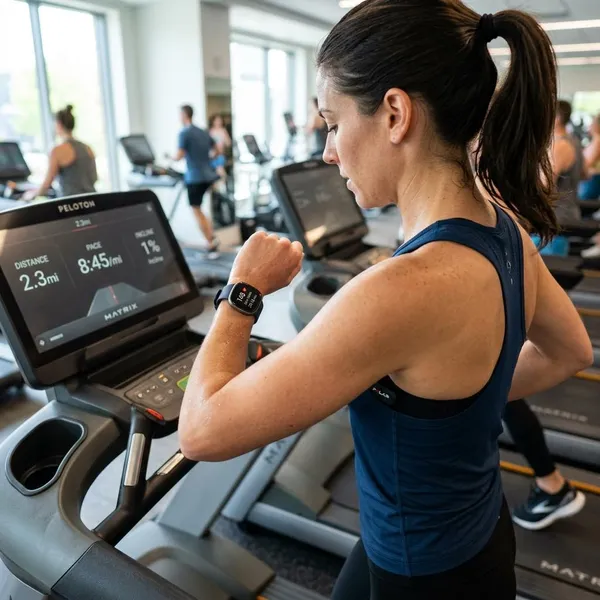
How to Improve Fitbit Heart Rate Accuracy
There are several ways to improve the accuracy of your Fitbit heart rate readings during workouts and daily use.
Wear Your Fitbit Snug but Comfortable
Make sure your Fitbit is snug against your wrist without being too tight. It should sit comfortably on your wrist, around one finger's width from your wrist bone. This ensures the sensors can work effectively and gives you an accurate heart rate reading.
Move It Slightly Higher During Workouts
During intense exercise, consider moving your Fitbit slightly higher on your wrist. Many people find that positioning it closer to the top of their forearm can improve the reading, especially when running or doing HIIT workouts.
Keep the Sensor and Your Skin Clean
Regularly wipe the sensors to keep them clean from dirt, sweat, and oils. Dirty sensors can interfere with the accuracy of the readings. Also, make sure your skin is clean before wearing your Fitbit to help the sensors work properly.
Make Sure Your Profile Details Are Correct
To ensure accurate heart rate data, make sure your personal details, like age, weight, and gender, are up to date in the Fitbit app. Fitbit uses this information to tailor its heart rate readings to your body's unique characteristics.
What Fitbit Heart Rate Data Is Useful For
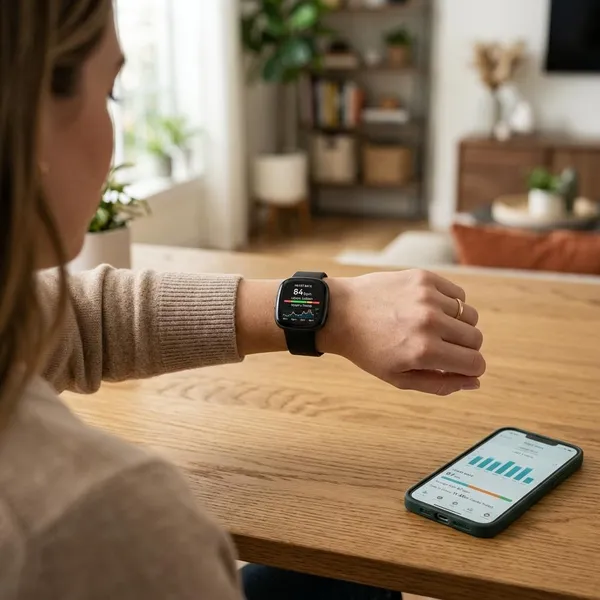
Fitbit's heart rate data can help you track your fitness progress and monitor your overall health. While it's not as precise as professional heart rate monitors, it can still provide useful insights.
Tracking Resting Heart Rate Over Time
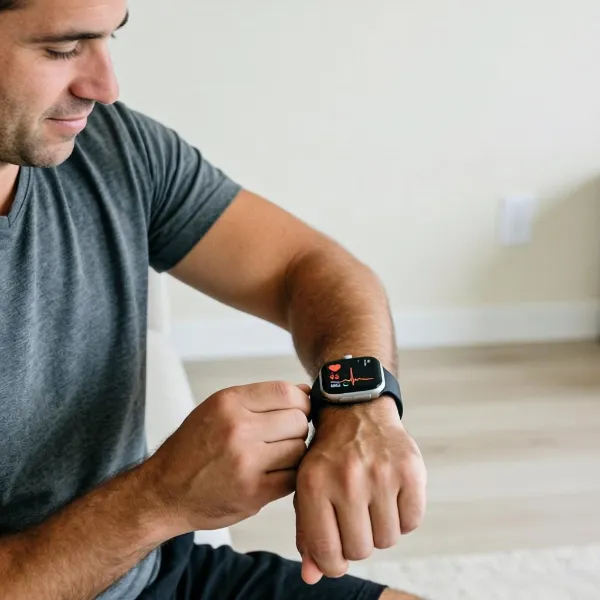
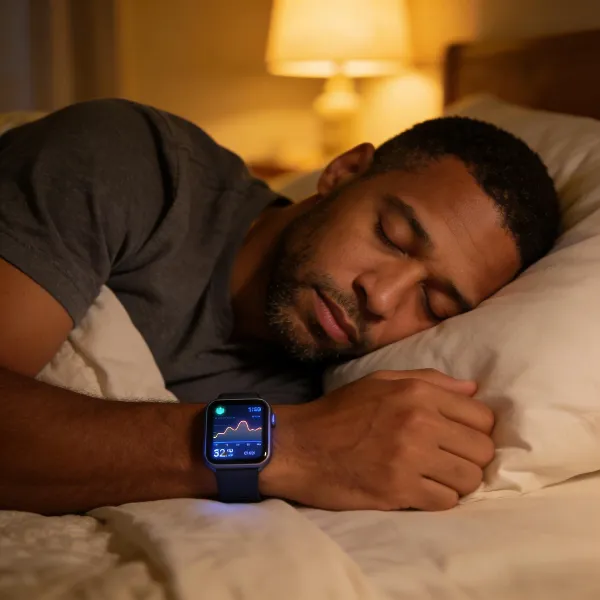
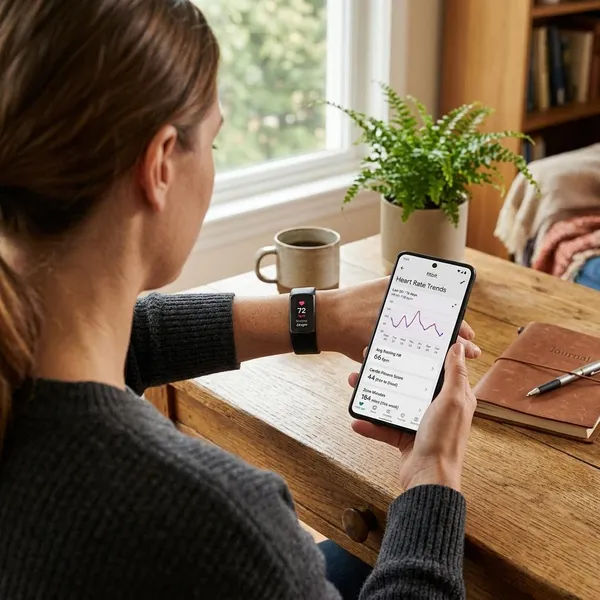
Tracking your resting heart rate is one of the best ways to monitor your cardiovascular health. A lower resting heart rate often means better fitness. Fitbit allows you to track your resting heart rate over time, so you can spot any trends and adjust your workout routine as needed.
Measuring Effort During Cardio Sessions
Heart rate is a great indicator of how hard you're working during cardio exercises like running or cycling. By keeping an eye on your heart rate, you can ensure you're staying within your target heart rate zone, which can help you get the most out of your workouts.
Spotting Patterns in Recovery and Fitness
Fitbit also tracks how quickly your heart rate recovers after exercise, which is a good sign of your fitness level. The quicker your heart rate returns to normal, the better your cardiovascular health is. You can use this data to see how your fitness is improving over time.
Conclusion
Fitbit heart rate tracking is reliable for most people, especially during moderate activities and while at rest. However, during high-intensity workouts or activities with rapid pace changes, the accuracy can be affected. By making sure your Fitbit fits well, cleaning the sensors, and adjusting the position during workouts, you can improve the accuracy of your heart rate data. Overall, Fitbit provides a solid tool for tracking your health and fitness goals.