How Pixel Watch Can Help with Sleep Apnea
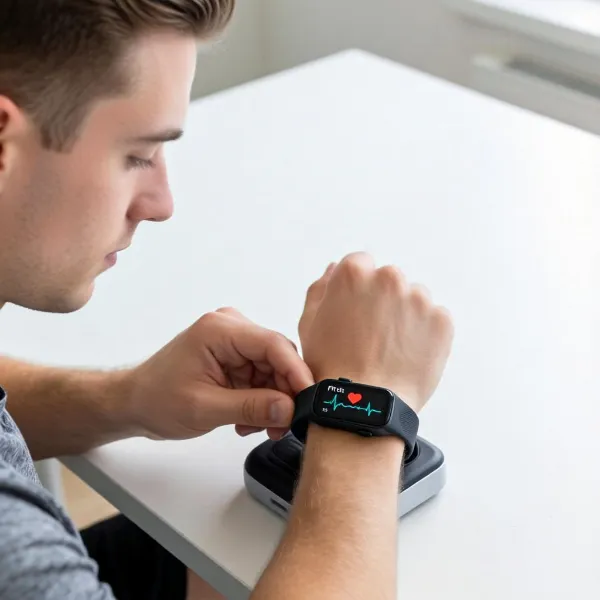
Sleep apnea can be a challenging condition to manage, but with the right tools, monitoring symptoms becomes much easier. The Pixel Watch is one such tool, offering a range of features to help you track sleep apnea symptoms like oxygen levels, sleep stages, and even skin temperature. In this article, we’ll dive into how the Pixel Watch can aid in detecting and managing sleep apnea, along with its benefits and limitations.
Why Use Pixel Watch for Sleep Apnea?
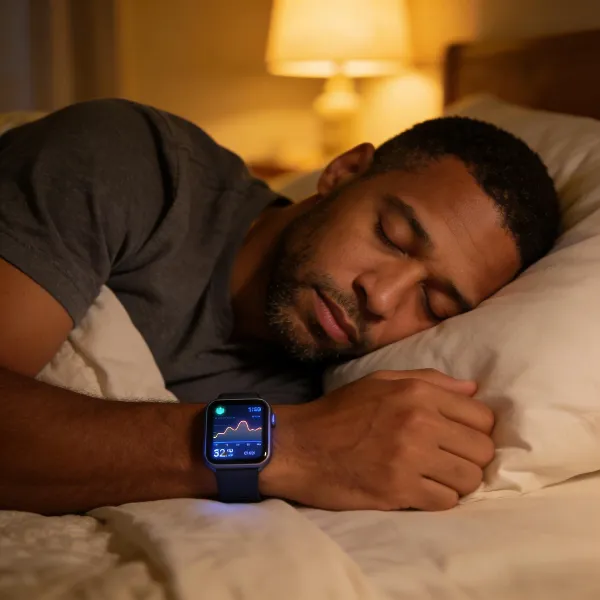
Wearing a smartwatch like the Pixel Watch can significantly improve your understanding of your sleep apnea symptoms. Here’s why it’s worth considering.
Catch Sleep Apnea Early to Avoid Complications
Catching sleep apnea early can be crucial for avoiding serious health issues. By tracking vital metrics like oxygen levels and heart rate while you sleep, the Pixel Watch helps you spot potential signs of sleep apnea, like frequent drops in oxygen. With early detection, you can take steps to treat the condition before it leads to complications such as high blood pressure, heart disease, or even stroke.
Spot Changes in Your Sleep Patterns Over Time
Sleep apnea symptoms can change, making it important to track your sleep consistently. The Pixel Watch provides you with valuable insights into your sleep patterns, helping you notice any irregularities or worsening symptoms. For example, you might notice that your oxygen levels are dipping more often or that your sleep is becoming more fragmented. Tracking these changes over time can help both you and your healthcare provider adjust your treatment.
Improve Sleep Quality with Continuous Monitoring
Having the ability to continuously monitor your sleep offers a deeper understanding of your sleep apnea. The Pixel Watch tracks not just your oxygen levels, but also your sleep stages and even skin temperature. This ongoing data gives you a clearer picture of how sleep apnea is affecting your rest, allowing you to make changes that improve your overall sleep quality. Whether it’s through lifestyle adjustments or medical treatment, this data helps guide your decisions.
Key Features of Pixel Watch for Better Sleep
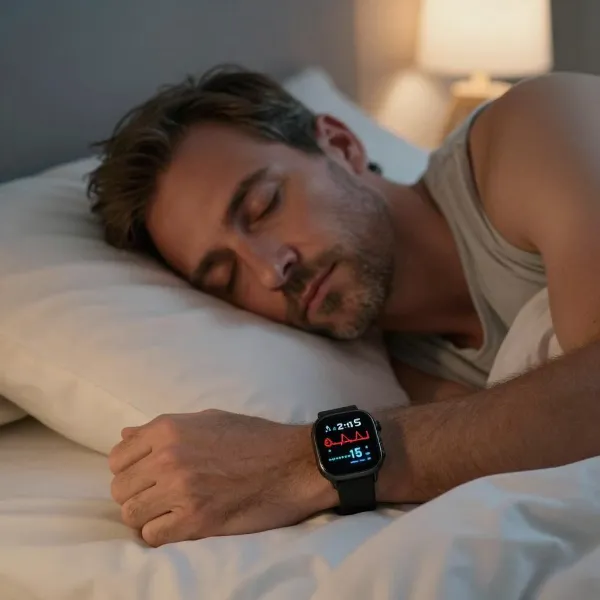
The Pixel Watch is designed to be a helpful companion when it comes to sleep monitoring. Here are some of its most important features that can aid in detecting and managing sleep apnea.
Monitoring Oxygen Levels for Better Breathing
A key feature of the Pixel Watch is its ability to track your blood oxygen saturation (SpO2) levels while you sleep. Drops in oxygen are a hallmark of sleep apnea, so monitoring this can alert you to potential problems. If your SpO2 levels fall below a healthy threshold, the Pixel Watch can send you notifications, making it easier to catch any concerning changes. This can be especially helpful if you have moderate to severe sleep apnea, where oxygen dips can occur frequently.
Understanding Your Sleep Stages
The Pixel Watch also tracks your sleep stages—light, deep, and REM—by measuring your heart rate and movements during the night. This helps you understand how sleep apnea may be affecting the quality of your sleep. For example, if your oxygen levels drop during the night, it can cause you to wake up frequently from deep sleep or REM sleep. The watch allows you to see exactly how much time you're spending in each sleep stage and how disruptions might be impacting your rest.
Tracking Skin Temperature to Spot Sleep Issues
Another unique feature of the Pixel Watch is its ability to monitor your skin temperature. Changes in skin temperature can sometimes signal sleep apnea-related issues, as your body may experience spikes or drops in temperature due to oxygen deprivation. By tracking this, the Pixel Watch can give you an additional layer of insight into how sleep apnea might be disrupting your sleep.
Limitations of Pixel Watch for Sleep Apnea Detection
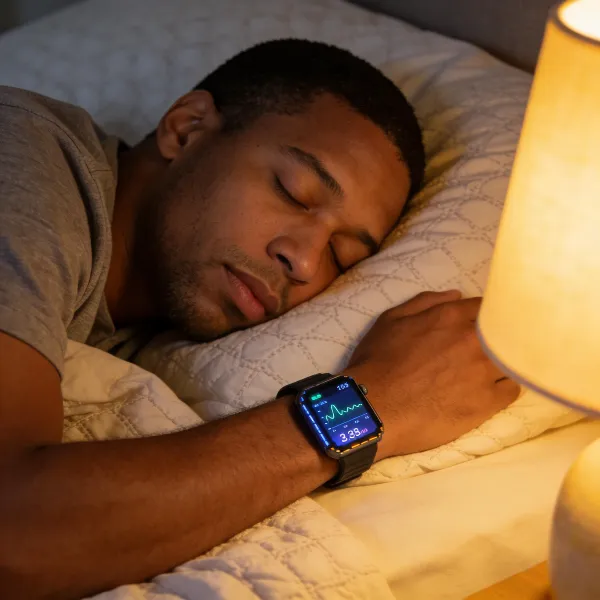
While the Pixel Watch is a powerful tool, it’s important to recognize its limitations when it comes to sleep apnea detection.
It’s Not a Medical Diagnosis Tool
While the Pixel Watch tracks useful symptoms, it’s not a medical device and cannot diagnose sleep apnea. It provides valuable data on your oxygen levels and sleep patterns, but a proper diagnosis requires a sleep study conducted by a healthcare professional. For more accurate information, you should consult a doctor if you suspect you have sleep apnea.
Battery Life and Charging Considerations for Accurate Tracking
To get the most out of the Pixel Watch’s sleep-tracking features, it needs to be worn consistently overnight. However, the battery life can be a limitation. If the watch runs out of battery during the night, it can miss crucial data that would have helped track your sleep apnea. To ensure you get accurate tracking, make sure to fully charge your Pixel Watch before going to bed.
Using Pixel Watch Data to Understand Sleep Apnea
Once you’ve collected data on your sleep apnea symptoms with the Pixel Watch, here’s how you can use it to better understand your condition.
Reviewing Sleep Patterns in the Fitbit App
The Pixel Watch syncs with the Fitbit app, which offers a detailed breakdown of your sleep patterns. You can view your sleep stages, oxygen levels, and even temperature fluctuations. By reviewing this data, you can see trends over time and make more informed decisions about your health. If you notice consistent oxygen drops or disrupted sleep cycles, it could be a sign that your sleep apnea symptoms are getting worse.
Sharing Your Data with Your Doctor
Sharing your sleep data with your doctor can be incredibly helpful in understanding how sleep apnea is affecting you. The data from your Pixel Watch can provide a more complete picture of your sleep patterns, helping your healthcare provider adjust your treatment or recommend further testing. The more information you can provide, the better equipped your doctor will be to recommend a treatment plan that’s right for you.
Conclusion
The Pixel Watch is a useful tool for anyone looking to track their sleep apnea symptoms. By continuously monitoring key metrics like oxygen levels, sleep stages, and skin temperature, it offers valuable insights into how your condition is affecting your sleep. While it can’t replace a professional diagnosis, it’s a helpful first step in understanding your sleep health and making necessary adjustments. Be sure to share your data with your doctor to help guide your treatment plan.