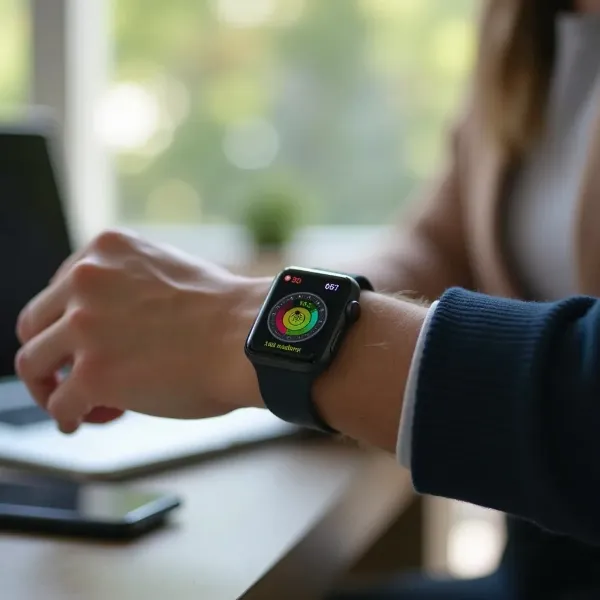
How to Share Your Heartbeat on Apple Watch
Sharing a heartbeat on your Apple Watch is more than just a fun feature; it's a meaningful way to connect with the people you care about. Whether it's a close friend, partner, or family member, this feature allows you to share a personal touch that's both playful and emotional. Here’s why you should consider sending your heartbeat!

A Unique Way to Connect Emotionally
Sending a heartbeat through your Apple Watch goes beyond regular texting—it’s an intimate, personal connection. Instead of just typing words, you’re transmitting something physical, like a pulse, that conveys emotion. It's a wonderful way to let someone know you’re thinking of them in a unique and meaningful way.
Express Your Feelings in a Fun and Personal Way
Sending a heartbeat is a creative way to express emotions like love, affection, or even excitement. It’s fun, personal, and adds a touch of warmth to your communication. With just a tap, you can share how you feel without saying a single word—just your heart!
Strengthen Long-Distance Relationships
If you’re in a long-distance relationship or have loved ones far away, sharing your heartbeat is a simple yet powerful gesture that can make the miles seem shorter. It’s a sweet way to stay connected emotionally and feel closer despite the physical distance.
Use as a Gesture of Care and Affection
Whether it's a partner who needs reassurance or a friend going through a tough time, sending a heartbeat can be a beautiful way to show you care. It’s a way to send a hug, a comforting presence, or just a “thinking of you” that feels extra special when it’s coming from your Apple Watch.
How to Share Your Heartbeat on Apple Watch
Sending your heartbeat through the Apple Watch is quick and simple. Follow these easy steps, and you’ll be sharing your pulse in no time!

1: Open the Messages App on Your Apple Watch
Start by opening the Messages app on your Apple Watch. Here’s where you can access all of your Digital Touch features, including sending heartbeats. Just select the contact you want to send your heartbeat to, and you’re good to go!
2: Tap the Digital Touch Icon
Next, you’ll see the Digital Touch icon—look for the heart-shaped symbol at the top of your screen. Tap it, and you’ll unlock a variety of Digital Touch features, including the heartbeat option.
3: Capture Your Heartbeat
To capture your heartbeat, press your finger against the screen. Your Apple Watch will sense your pulse, and you’ll feel a subtle vibration. This is your moment to share something personal and emotional with someone special.
4: Share Your Heartbeat
Once your heartbeat has been captured, simply hit the send button to send it! The person you’re sending it to will feel it on their own Apple Watch as a soft haptic feedback, bringing your heartbeat to life on their wrist.
5: Make Sure the Recipient Has an Apple Watch
Remember, your recipient will need an Apple Watch to experience the heartbeat. Without one, they won’t feel the haptic feedback, so it’s essential that they have a compatible device to receive your message.
Fixing Common Issues
Sometimes things don’t go as planned. If you're having trouble sharing your heartbeat, here are a few common issues and their solutions.

What If My Heartbeat Won’t Send?
If your heartbeat isn’t sending, first check if your Apple Watch is connected to your iPhone via Bluetooth. A poor connection could prevent the message from going through. Also, ensure both devices are connected to a stable Wi-Fi network. If needed, restart both devices to refresh the connection.
Can I Share a Heartbeat with Someone Who Doesn’t Have an Apple Watch?
Unfortunately, no—your heartbeat will only be received by someone who has an Apple Watch. The feature relies on haptic feedback, which is only supported on Apple Watches. If the person you want to send it to doesn't have one, consider other fun options, like sending a text message or an emoji!
Conclusion
Sharing your heartbeat on your Apple Watch is an easy, fun, and emotional way to connect with others. Whether it’s a playful gesture to someone close or a heartfelt message to someone far away, it’s a feature that lets you go beyond words and express your feelings through haptic feedback. Ready to send your heartbeat? Follow the simple steps above and start sharing those special moments with the people who matter most!