How Does Fall Detection Work on Apple Watch?
If you're asking yourself, how does Fall Detection work on Apple Watch, you're not alone! This feature is one of Apple Watch's key safety tools, designed to detect hard falls and alert you or emergency contacts. In this guide, we'll break down how it works, how to activate it, and what you need to know to get the most out of it.
Apple Watch Fall Detection Basics
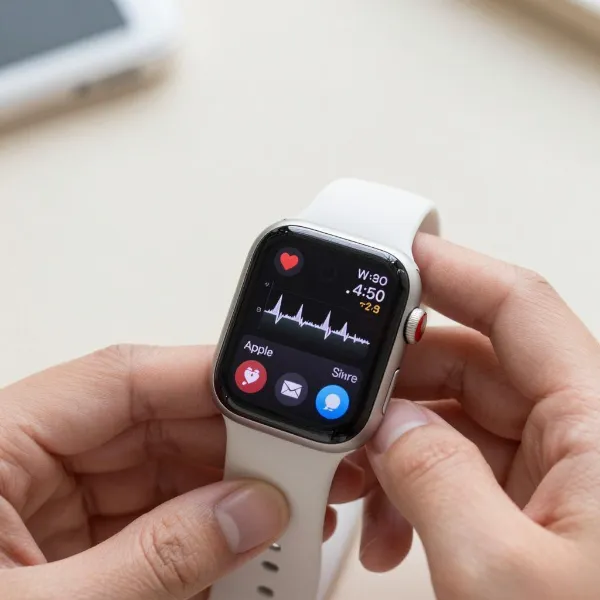
Apple Watch uses sensors like the accelerometer and gyroscope to detect sudden movements that indicate a fall. Once it registers a hard fall, the watch springs into action. It sends you an alert asking if you're okay. If you don't respond, it sends an emergency message. Let's dive deeper into how this works.
Hard-fall Detection
Apple Watch is equipped with advanced sensors that help it detect sudden, significant movements—like a fall. The accelerometer tracks the direction and speed of your wrist, while the gyroscope measures orientation. These sensors work together to recognize a sudden change, such as tripping, slipping, or falling from a height, triggering the Fall Detection alert.
Alerts and Prompts
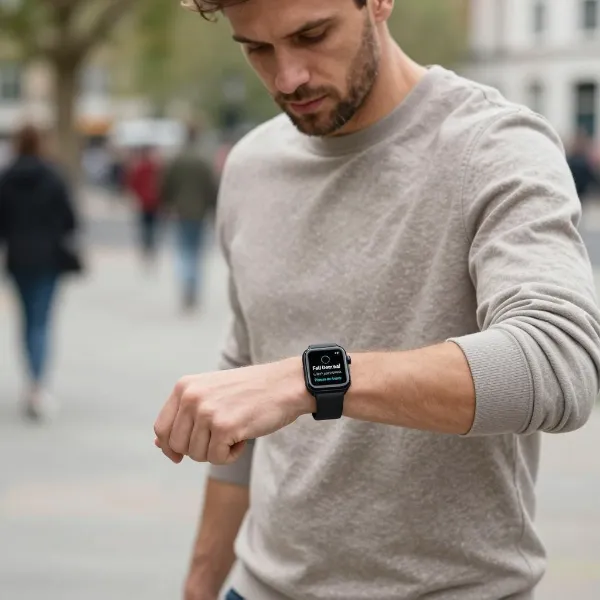
When a hard fall is detected, your Apple Watch will buzz and display a prompt asking if you're okay. If you are fine, you can dismiss the alert. If you need help, you can tap to call emergency services. If you don't respond in time, it assumes you're unable to do so and will make a call for you.
Motion Check
After detecting a fall, the Apple Watch also checks if you're moving or responding. This is to confirm you're conscious and able to react. If the watch doesn't detect movement, it activates a countdown, giving you 60 seconds to respond. If no response comes, it calls emergency services on your behalf.
What Apple Watch Does After a Fall
Once the watch detects a fall, it steps into action to make sure you get the help you need. Here's what happens next:
Dismiss or Call
If you're fine after the fall, you can simply dismiss the alert. If you're not, you have the option to call emergency services right from the prompt. You can choose whether to cancel the call or go through with it, depending on your situation.
Countdown After No Movement
If you don't respond within 60 seconds, the watch assumes you may be unresponsive. It starts a 30-second countdown, giving you one last chance to react. If there's still no movement, the Apple Watch calls emergency services and notifies your emergency contacts, giving them your location and informing them of the fall.
Emergency Calls and Contacts
In case you don't respond after the countdown, the Apple Watch automatically places an emergency call to the nearest responders. It will also send a message to your preset emergency contacts with your location and a note about the fall, ensuring that your loved ones are informed and can take action if necessary.
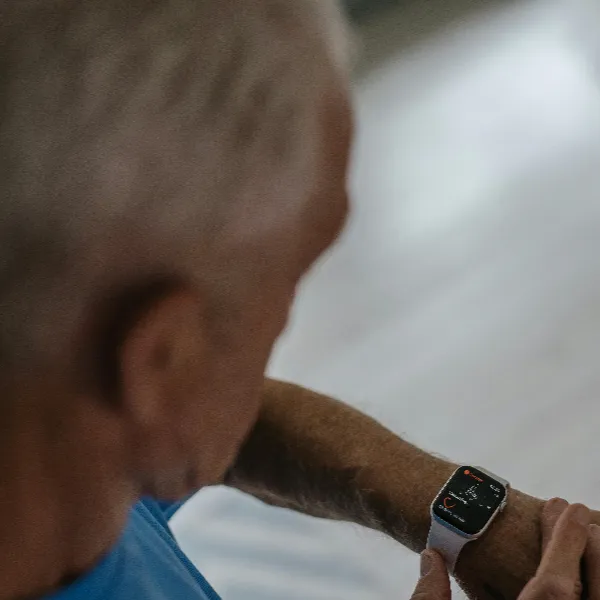
Turn On Fall Detection on Apple Watch
It's easy to enable Fall Detection on your Apple Watch. Here's how you can activate it:
Watch Settings
To turn on Fall Detection directly from your Apple Watch, open the Settings app, scroll down, and tap on Emergency SOS. From there, toggle Fall Detection on. Keep in mind that it's automatically turned on for users aged 55 or older, but you can enable it manually for any user.
iPhone Watch App
You can also enable Fall Detection through your iPhone's Watch app. Open the app, go to the My Watch tab, then tap Emergency SOS. From there, you can toggle on Fall Detection. This is especially handy if you prefer managing settings from your iPhone rather than your watch.
Emergency Setup
Before activating Fall Detection, ensure that your Emergency Contacts are set up correctly. This way, in the event of a fall, your emergency contacts will receive an alert with your location. You can add contacts through the Health app on your iPhone or directly through the Watch app.
Apple Watch Fall Detection Limits
While Fall Detection is an incredible feature, it's not flawless. Here are a few things to keep in mind:
Not Every Fall
Fall Detection is designed to catch hard falls, but it’s not perfect. Minor slips or soft falls may not be detected. The watch's sensors are calibrated to identify falls that involve a significant impact or sudden motion. Keep in mind, not every fall will trigger the alert.
False Alerts
There are times when the Apple Watch might mistake an intense activity, like exercising or an abrupt arm movement, for a fall. While this can be frustrating, it's easy to dismiss the alert. However, it's something to be aware of if you plan to wear your Apple Watch during physical activities.
Supported Models
If you want to use Fall Detection, your Apple Watch needs to be a Series 4 or newer model. Older models don't support this feature. Make sure your device is up-to-date to take full advantage of this safety feature.
Apple Watch Fall Detection Problems
While Apple Watch is generally reliable, there are occasional issues that can arise. Here are a few common problems:
Feature is Off
If Fall Detection is disabled on your watch, it won't work when you need it most. It's important to regularly check that the feature is turned on. If you're unsure, follow the steps mentioned earlier to confirm that Fall Detection is active.
Call Does Not Start
In rare cases, the Apple Watch might fail to place an emergency call after detecting a fall. This could happen if the watch is not connected to your iPhone or if there's an issue with your network connection. Make sure your Apple Watch is paired with your phone and connected to the network for this feature to work properly.
Accidental Alerts
It's possible that the watch will send you an alert for a fall even when you haven't actually fallen. This is more common when engaging in activities that involve fast or jerky wrist movements. If this happens, just dismiss the alert. It's important to note that the system is designed to protect you, so it errs on the side of caution.
Conclusion
Apple Watch Fall Detection uses accelerometer and gyroscope sensors to identify hard falls. When a fall is detected, it alerts the user and waits 60 seconds for a response. If no movement is detected, it automatically calls emergency services and notifies emergency contacts. Available on Series 4 and later, the feature must be manually enabled (though it's automatic for users 55 and older). While it may occasionally produce false alerts or miss certain falls, it remains a valuable safety tool for those who need quick assistance in an emergency.